Get a personalized demo for your FP&A team.
Stop rebuilding your budget in a tool your finance team doesn't trust.
Datarails is budgeting and forecasting software that automates budget collection, eliminates version chaos, and connects your corporate budget to live ERP actuals — inside the Excel models your team already uses.
Trusted by 1,000+ finance teams.

Join 1000+ FP&A teams already using Datarails

Finance teams waste weeks chasing department heads for budget inputs. With
Datarails budgeting software, budget templates go directly to each department
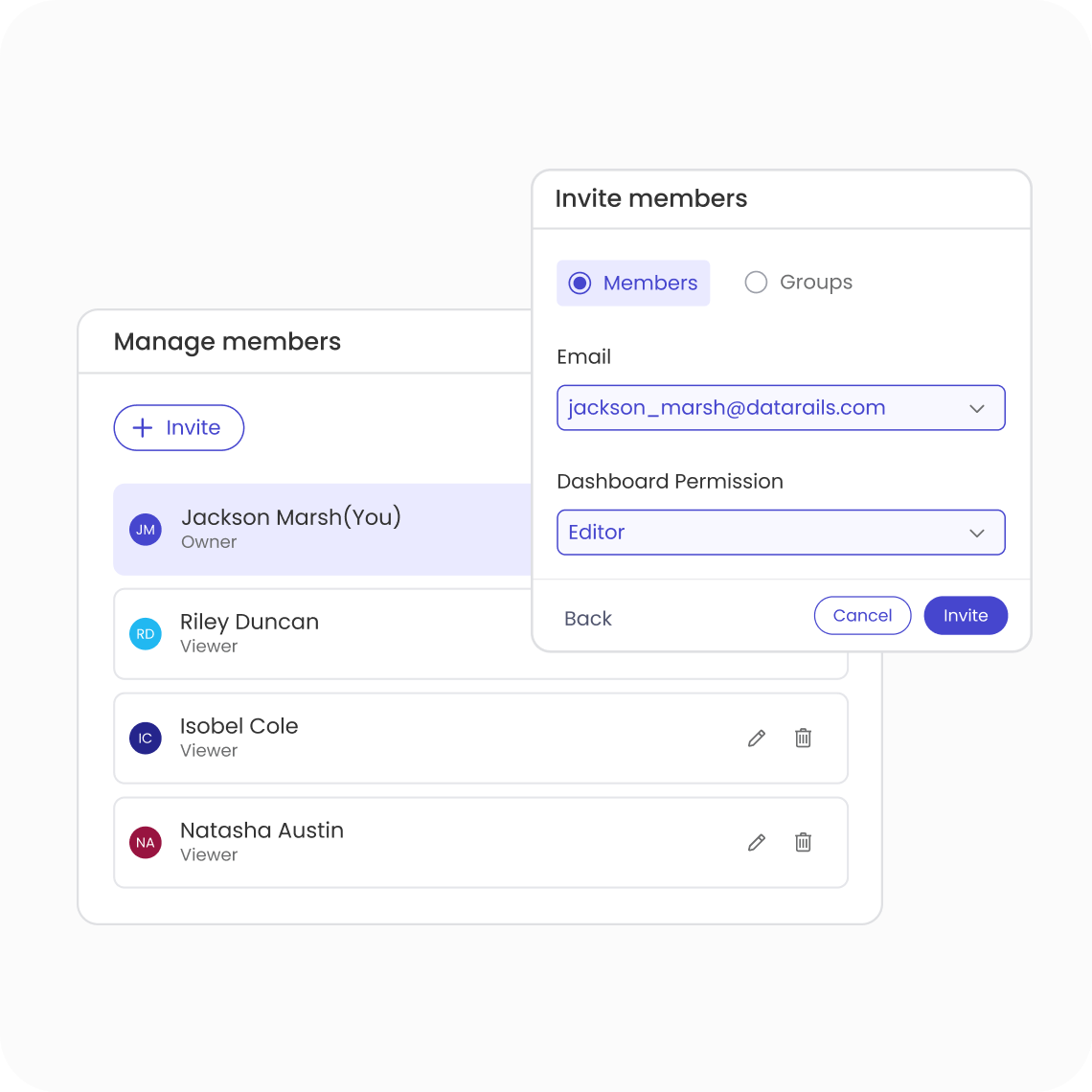
owner — pre-built, pre-formatted, and locked to prevent formula changes. Submissions flow back into your master budget model automatically, with version control, approval workflows, and audit trails built in from day one.
The moment your ERP posts new data, your budget vs. actuals reports update automatically. Datarails business budgeting software connects your approved budget directly to your accounting system - QuickBooks, Sage, Xero, NetSuite, and 600+ others - so every variance report, board presentation, and financial dashboard reflects today's numbers, not last Tuesday's manual export.
When the CFO asks "what if revenue misses by 15%?" you need an answer in minutes, not days. Datarails budgeting and forecasting software lets you build, maintain, and compare multiple budget scenarios inside one model - base case, upside, downside - without rebuilding the forecast every time an assumption changes.
Three scenarios. One model. Ready for any conversation.
Each department owner receives their own locked input template. Submissions auto-consolidate into the master budget with approval workflows, full audit trails, and version history - so you get clean, controlled data every time, without a single email attachment.
Build your annual budget from the drivers that actually matter: headcount plans, pipeline data, unit economics, pricing assumptions. When a driver changes, your financial budgeting software updates the entire model automatically. No broken formulas. No manual recalculation.
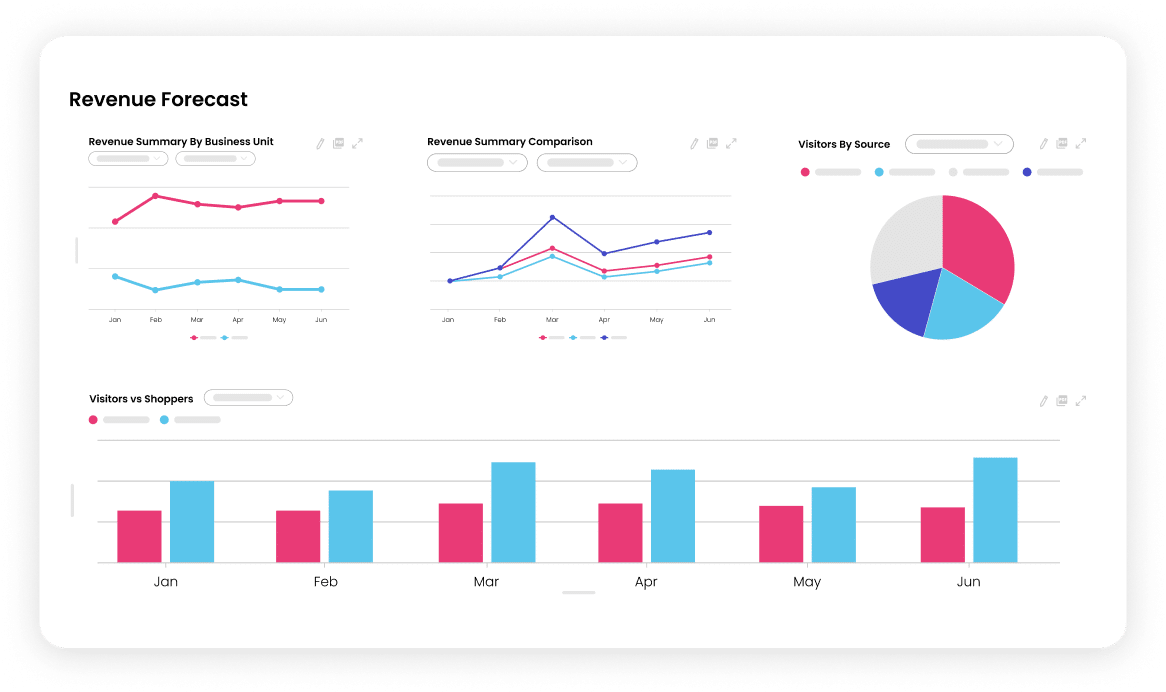
Track performance against budget all year - not just at month-end. Live dashboards surface variance by department, cost centre, or entity the moment your ERP refreshes. Act before variances become board problems.
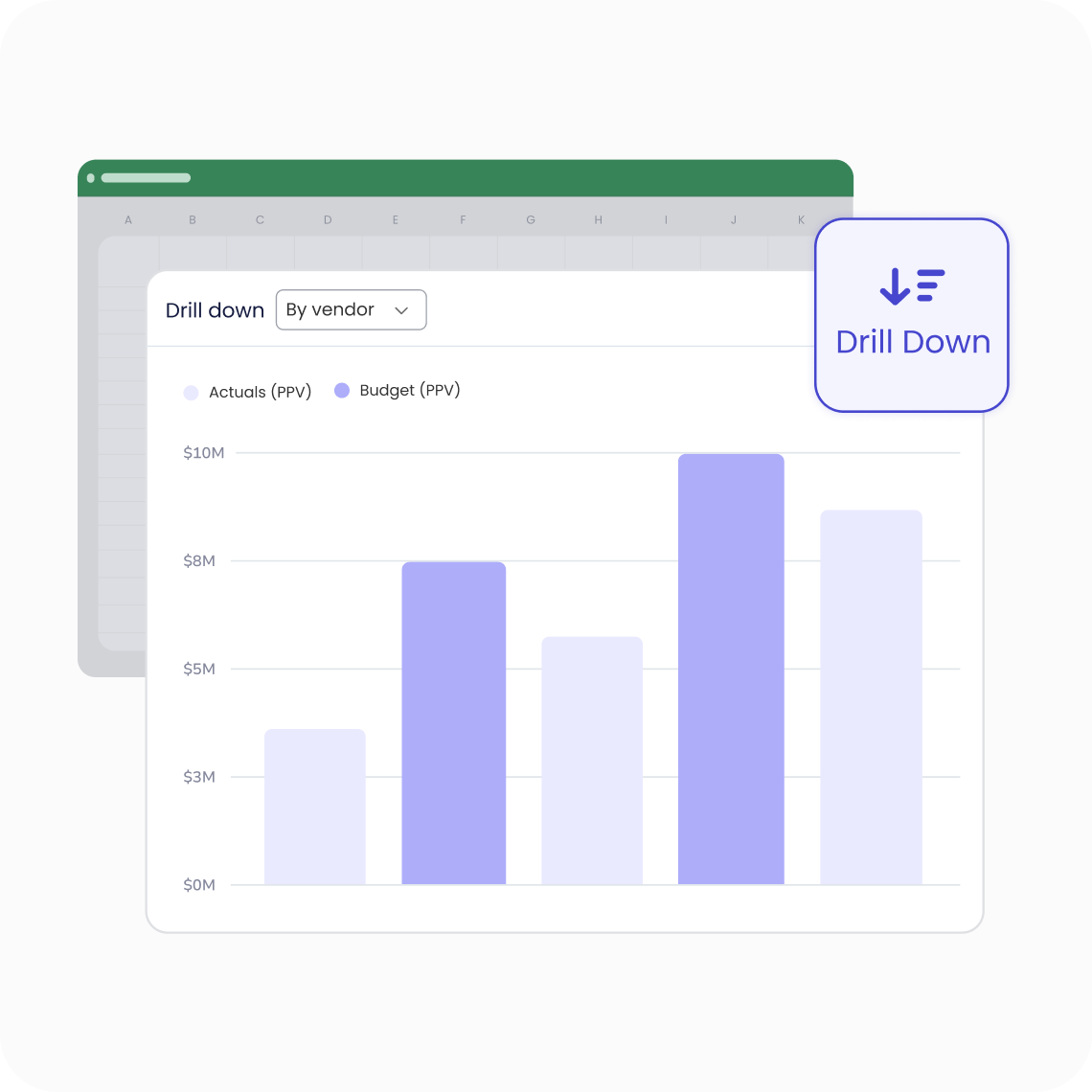
Managing budgets across multiple subsidiaries, business units, or geographies? Datarails corporate budgeting software consolidates every entity into a single model with currency conversion, intercompany eliminations, and full entity-level drill-down. One consolidated view. No manual roll-up.
Reforecast as often as your business demands. Update assumptions, refresh actuals, and publish a new forecast - without rebuilding from scratch. Datarails budget planning software is designed for finance teams that need to move fast when plans change mid-year.
Headcount is your largest budget line. Datarails pulls live HRIS data directly into your headcount model - salary, benefits, open roles, hiring plan — so your headcount budget stays accurate without a manual update every time someone joins or leaves.
Plan, track, and execute every close activity from start to end
Learn MoreReal-time visibility into cash positions with forecasting and scenario analysis
Learn MoreCentralized data from all sources for fast, flexible reporting and analytic
Learn More“I am much better equipped to deliver three versions of a plan, without having to scramble.”
“Thank goodness we went with Datarails, because there’s no way we’d be where we are as a team.”
“Datarails is so flexible and so easy to use. And that created real long-term value for the organization."
reduction in budget prep time
hours of labor saved a month
faster scenario turnaround
Datarails is Excel-native budgeting software designed for mid-market finance teams. Rather than replacing the spreadsheets your team already uses, Datarails connects them - centralising budget inputs, automating consolidation, and linking your approved budget to live ERP data. The result is a single, always-current budget model your whole finance team works in together, without migrating to a new tool or rebuilding your models from scratch.
Most corporate budgeting software tools require you to move your financial models into a proprietary planning environment. Datarails works the opposite way - it runs inside Excel, enhancing the models your team already knows rather than replacing them. You get the full power of enterprise budgeting software (automated consolidation, version control, workflow approvals, live actuals) without the 6-12 month implementation typical of tools like Anaplan, Vena, Planful, or Adaptive Insights.
Datarails budgeting software integrates with 600+ systems, including QuickBooks, Xero, Sage, NetSuite, Microsoft Dynamics, Oracle, SAP, and most mid-market ERPs. Integration is typically completed within 2-4 weeks. Once connected, your actuals flow automatically into your budget models - no manual exports, no copy-paste, no VLOOKUP maintenance.
Most Datarails customers run their first consolidated budget within 4-8 weeks
of kick-off — significantly faster than traditional corporate budgeting software
implementations that can stretch 6-18 months. Because Datarails enhances your
existing Excel models rather than replacing them, there is no model rebuild phase.
Your team is typically trained and operational within 2-3 onboarding sessions.
No. Datarails is built to work alongside Excel, not replace it. Your finance team continues working in Excel exactly as they always have — the difference is that their spreadsheets are now connected, version-controlled, automatically refreshed with live data, and consolidated without manual effort. The Excel skills your team has spent years developing still apply fully.
Datarails budgeting software includes configurable approval workflows so every
budget submission passes through the right reviewers before being consolidated into
the master model. Budget owners submit through locked templates, approvers review
and approve within the system, and the finance team sees a real-time status
dashboard - what's submitted, what's pending, what's approved. Full version history is maintained automatically, so you can always roll back or compare against a
previous version.